

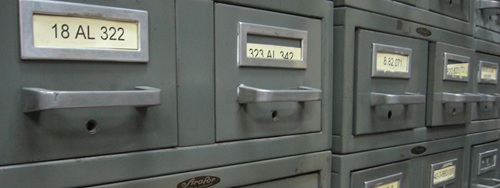
Sometimes, web sites reach the end of their lives, and continuing to host them for archival purposes is not a responsibility or expense that anyone wants to go to. Personally I hate the idea – after all, the W3C’s commandment that “cool URIs don’t change” has been stamped into me over the years – but sometimes it’s inevitable.
Take the Yes Daylight Savings campaign, for example. This was a campaign web site that we built for a group of business people promoting the “Yes” campaign for Western Australia’s Daylight Sayings referendum in 2009. Sadly, despite a sincere, sensible and great-looking campaign, the ”No” vote won out and we are still missing out on that gorgeous hour of extra sunshine every day in summer.
Regardless of the campaign outcome, maintaining the WordPress-driven site, keeping it up to date with security fixes and ensuring spammers didn’t take it over was not an option.
That’s where site archivers can come in handy. On the couple of occasions where I’ve had to lay a site to rest, I’ve used HTTrack, an “offline browser”, to spider a working offline version of the site and package it up on CD for prosperity. Then when the plug is pulled, you’ve still got a working copy.
HTTrack is free, active and regularly updated, available for Windows and various flavours of Linux, and does an awesome job.